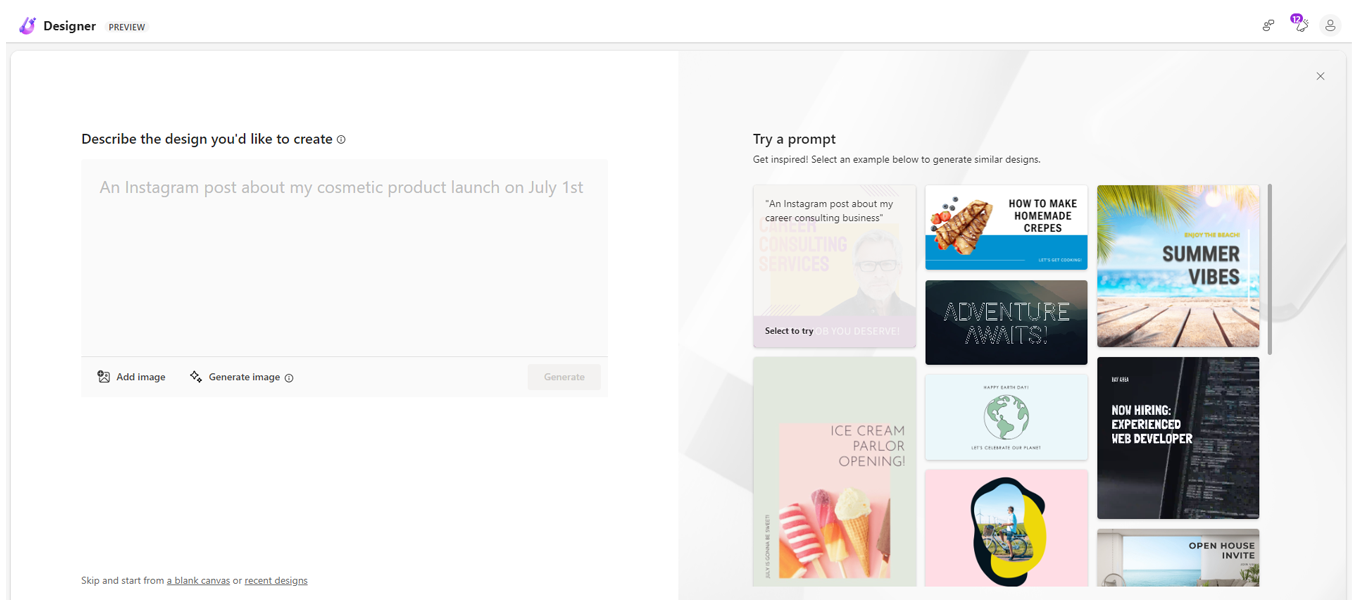
圖片來源: Microsoft Designer官網
Microsoft Designer利用人工智慧技術,可以幫助使用者快速生成多種風格的設計素材,例如圖標、插圖和UI元素等,並且可以輕鬆調整這些素材的顏色、大小和形狀等參數。
應用面:
In this comprehensive article, we will delve into the features, pros, and cons of both Microsoft Designer and Canva, allowing you to make an informed decision.
Microsoft Designer is a new web application that uses artificial intelligence to help you design documents, images, and social media posts. Here are some of the features and benefits of using Microsoft Designer.
Today, we will discuss everything on Microsoft Designer with steps to use it in this explainer.
In today's digital era, where every pixel counts, Microsoft Designer emerges: an AI-powered graphic design application that promises to transform your idea into visually appealing content. This software stands as an indispensable tool, offering a platform accessible to you regardless of your design experience.
The web-based graphic design app is being built into the Edge web browser and now generates captions and hashtags for social media posts.
Microsoft's graphic design tool with an AI touch is ready to take on Adobe and Canva.
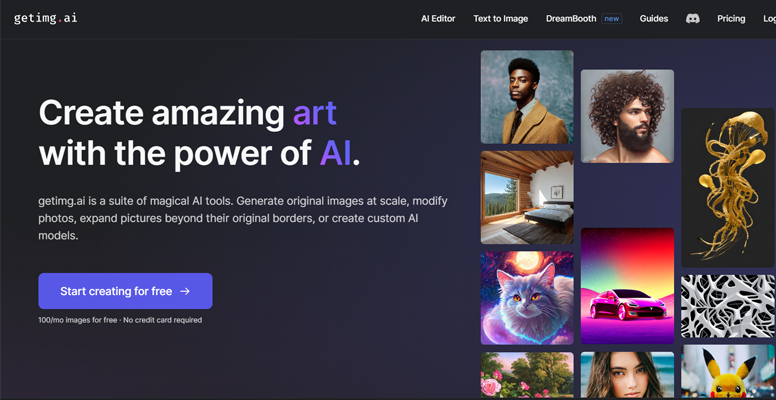
圖片來源: Getimg.ai官網
Getimg.ai是一個圖像生成工具。使用者可以輸入存自內容或是上傳圖像讓Getimg.ai自動生成另一個圖像。同時也可以在網站內編輯該圖像尺寸或是其他部分。
點擊人數: 6060 +
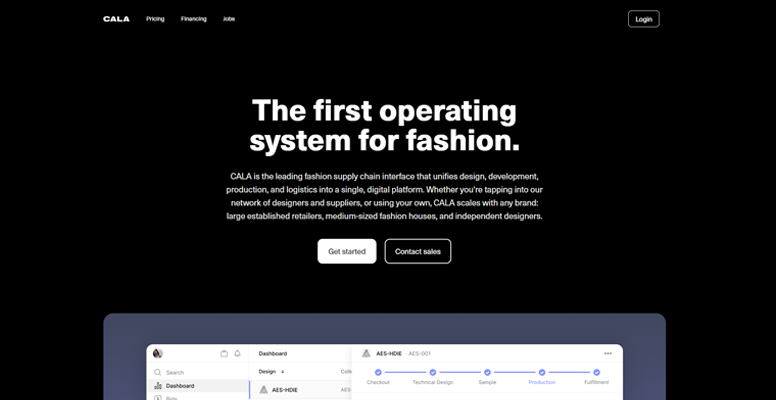
圖片來源: CALA官網
CALA是一個AI技術的服裝設計平台,使用3D渲染技術來創建虛擬樣品和時裝設計,還提供了快速製作樣品的選項,讓時裝品牌可以更快地推出新產品,降低製造成本和風險。
點擊人數: 6420 +
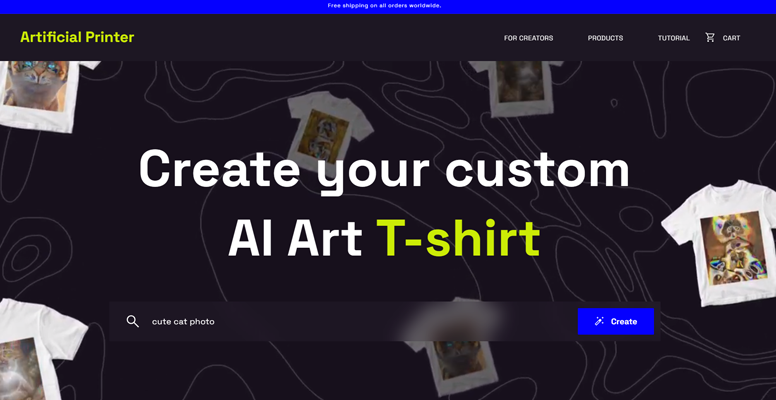
圖片來源: Artificial Printer官網
Artificial Printer 是一款由AI 人工智慧驅動的Tshirt印刷服務,讓用戶能夠創建個性化和獨特的設計。它提供預製設計和由人工智慧驅動的工具,幫助用戶創建原創設計,並提供便捷的印刷和配送選項。
點擊人數: 3111 +
工具分類建議
感謝您的建議,我們將廣搜意見後優化分類!